iTerm2+omz+p10k打造炫酷的终端
前言代码可以写的烂, 工具必须要好看!!
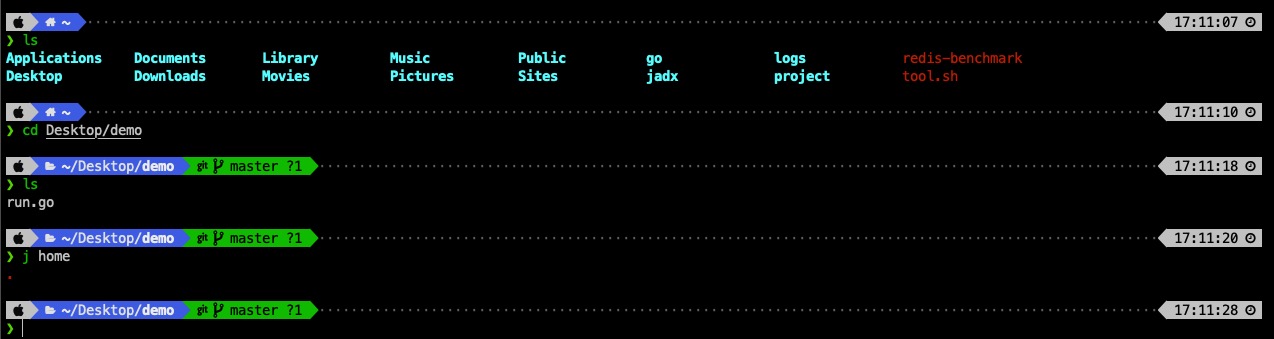
效果图
准备工作
开始
1.下载iTerm2 前往官网下载
2. 安装Oh my zsh 通过官网给 curl 或 wget 下载安装
sh -c "$(curl -fsSL https://raw.githubusercontent.com/robbyrussell/oh-my-zsh/master/tools/install.sh)"sh -c "$(wget https://raw.githubusercontent.com/robbyrussell/oh-my-zsh/master/tools/install.sh -O -)"3. 安装powerlevel10k
- 克隆项目到omz的外置主题目录下
git clone --depth=1 https://github.com/romkatv/powerlevel10k.git ${ZSH_CUSTOM:-$HOME/.oh-my-zsh/custom}/themes/powerlevel10k在 ~/.zshrc 中设置主题
ZSH_THEME="powerlevel10k/powerlevel10k"
4. 安装语法高亮插件和自动补全插件
语法高亮插件
git clone https://github.com/zsh-users/zsh-syntax-highlighting.git ${ZSH_CUSTOM:-~/.oh-my-zsh/custom}/plugins/zsh-syntax-highlighting自动补全插件
git clone https://github.com/zsh-users/zsh-autosuggestions ${ZSH_CUSTOM:-~/.oh-my-zsh/custom}/plugins/zsh-autosuggestions在 ~/.zshrc 中添加插件
plugins=(
 [plugins...] 其他插件
 zsh-syntax-highlighting
 zsh-syntax-highlighting
)
4.使配置生效 source ~/.zshrc
5. 安装字体
git clone https://hub.fastgit.org/possible318/p10k-font.git6. 设置iTerm2的字体
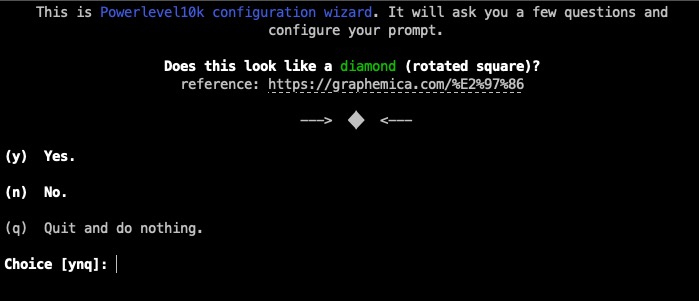
7. 运行p10k configure 按照提示选择想要的效果